
Product behavior and external claims reviewed August 29, 2026. Review methodology.
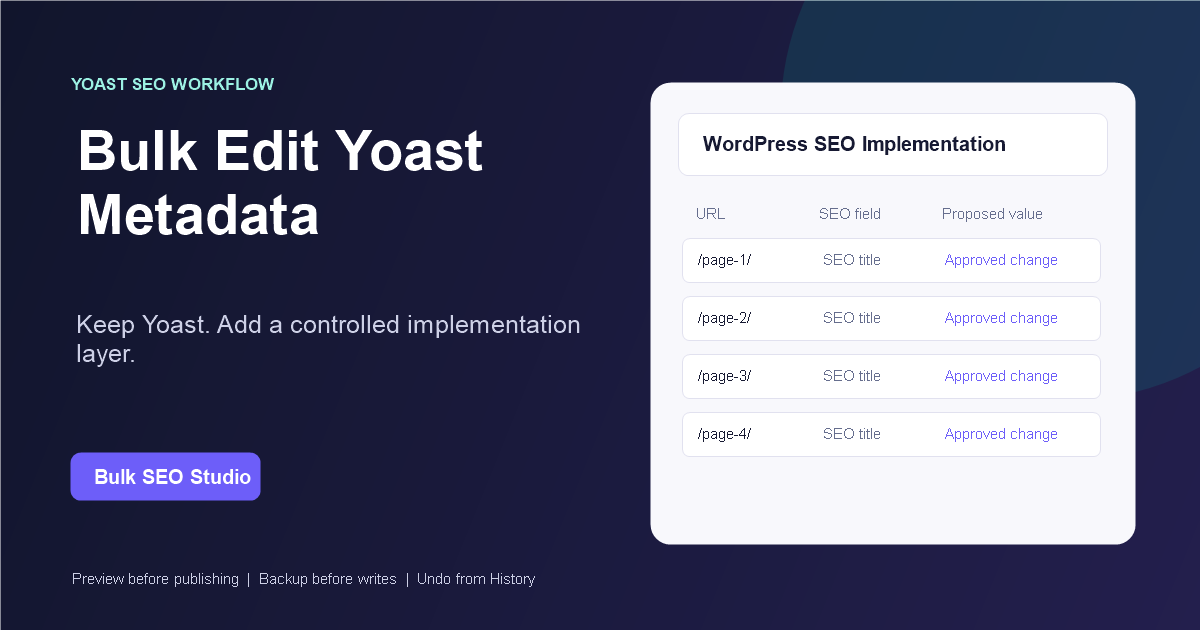
Yes. Yoast SEO is a confirmed compatible integration. Keep Yoast active, load the intended WordPress URLs into Bulk SEO Studio, stage supported title and description changes, review every before-and-after value in Preview, and save only the approved fields.
Yoast handles SEO configuration; Bulk SEO Studio handles the batch
Yoast SEO continues to control its site-level settings and frontend metadata behavior. Bulk SEO Studio adds a spreadsheet-style implementation layer for the approved changes that would otherwise require opening pages one at a time.
When should you use a Yoast SEO bulk editor workflow?
Yoast SEO remains responsible for its metadata and site-wide SEO configuration. A controlled bulk editor becomes useful when an approved project spans many URLs and needs clearer URL matching, spreadsheet handoff, field-level review, implementation evidence, and recovery than a page-by-page workflow provides.
| Job | Best workflow | Reason |
|---|---|---|
| Update one page | Yoast page editor | The native editor is direct and sufficient. |
| Review many existing values | Bulk SEO Studio scan and export | URLs and supported fields stay together in one dataset. |
| Implement an approved spreadsheet | Mapped CSV import in Pro | Supported columns enter the grid without saving immediately. |
| Approve exact changes | Mandatory Preview | Current and proposed values are compared field by field. |
| Recover supported writes | History and Undo | Pre-write snapshots support page, selection, or batch restoration. |
For the broader field and recovery model, review WordPress SEO data and metadata editing. For file-based delivery, use the CSV and spreadsheet workflow hub.
Prepare the Yoast metadata project
- Use one stable WordPress URL per spreadsheet row.
- Separate current values from approved proposed values.
- Confirm which pages and post types are included.
- Decide whether titles, descriptions, or both should change.
- Retain the approved source file as an implementation reference.
How to implement the changes
1. Verify the compatible source
Confirm Yoast SEO is detected on the WordPress site where the work will be implemented. A plugin can be compatible without being active on BulkSEOStudio.com; detection is specific to the client installation.
2. Select the page scope
Paste the approved URL list or filter by post type, publishing status, title, URL, or slug. Avoid loading an entire site when the assignment covers a smaller known set.
3. Export current metadata when needed
Export the filtered scan before editing when the client or team needs a current-value reference. The CSV includes URLs and supported SEO fields alongside useful WordPress context.
4. Edit or import approved values
Update supported fields in the grid. Pro users can export an Excel or Google Sheets workbook as CSV, upload it, and map the relevant URL, SEO title, and meta-description columns.
5. Use mandatory Preview
Review every proposed Yoast metadata field against its current value. Exclude individual fields with checkboxes instead of forcing the whole row or batch through.
6. Save with backups and check output
Bulk SEO Studio records a backup before supported writes and processes the batch in smaller requests. Verify several live URLs and inspect the resulting metadata after caches clear.
Why a spreadsheet alone is not the implementation layer
A spreadsheet is useful for analysis and approval, but it does not confirm that each URL still maps to the intended WordPress post or that every imported value should be written. Bulk Editor reloads current WordPress values and keeps Preview between the spreadsheet and the save action.
Important limitations
- Bulk SEO Studio does not replace Yoast SEO or its site-wide settings.
- The workflow does not promise how Google will display or rewrite metadata.
- Only supported mapped fields enter the controlled write workflow.
- Native XLSX files need to be exported as CSV.
- Large production batches should still be reviewed and verified on representative pages.
Related implementation resources
- Bulk titles and meta descriptions
- CSV import and export workflow
- Preview, backup, History, and Undo
- SEO plugin compatibility
- Safe bulk WordPress SEO editing
Frequently asked questions
Does Yoast SEO need to remain active?
Yes. The recommended workflow keeps Yoast active while Bulk SEO Studio implements supported metadata changes.
Can I bulk edit both titles and descriptions?
Yes, for supported Yoast metadata fields. Preview lets you approve or exclude each proposed field.
Can I use Google Sheets?
Yes. Export the approved sheet as CSV. Pro can map supported columns during import.
What happens if an imported URL cannot be matched?
The workflow does not guess at uncertain targets. Review or correct the URL before saving.
Can I restore previous Yoast metadata?
Supported writes are backed up first and can be restored from History at page, selected-page, or batch level.
Keep Yoast and stop implementing metadata page by page
Turn approved spreadsheet work into reviewed, recoverable WordPress changes.
Explore the metadata workflowFirst-party product evidence
