
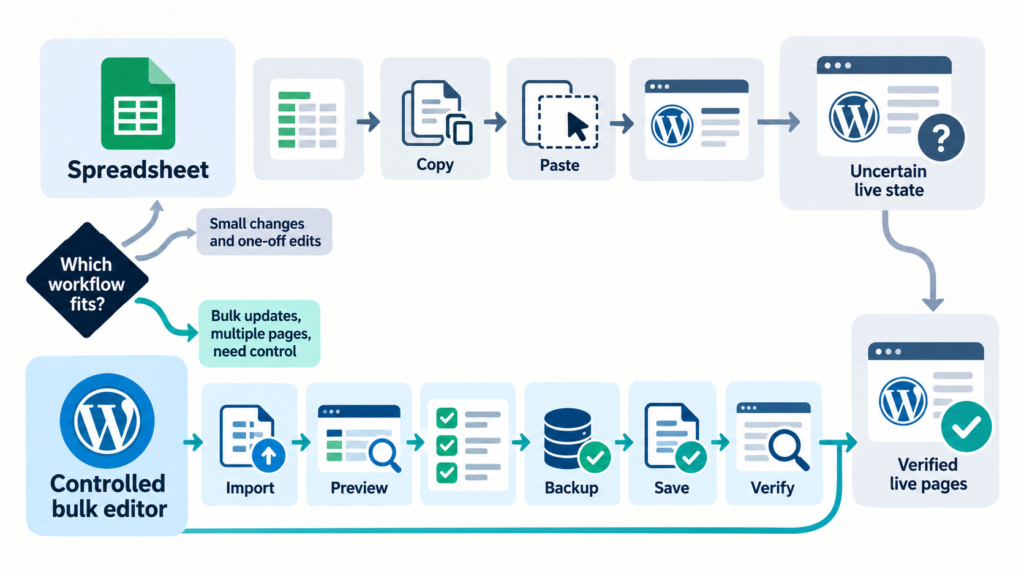
SEO Spreadsheet vs WordPress Bulk Editor: Which Should You Use?
Choose between a collaborative SEO spreadsheet and a WordPress bulk editor, or combine them into a controlled approval and implementation workflow.
Read guideDetailed guides for metadata, internal linking, schema, headings, spreadsheets, compatibility, Preview, backups, and Undo.
Choose between a collaborative SEO spreadsheet and a WordPress bulk editor, or combine them into a controlled approval and implementation workflow.
Read guide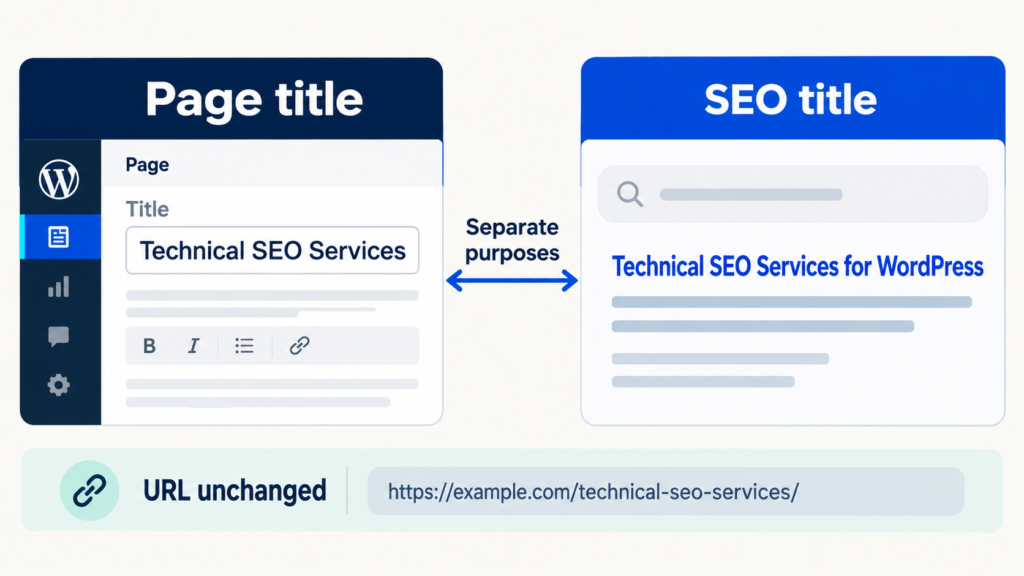
Understand the difference between a WordPress page title, H1, SEO title, slug, social title, and Google title link before making bulk changes.
Read guide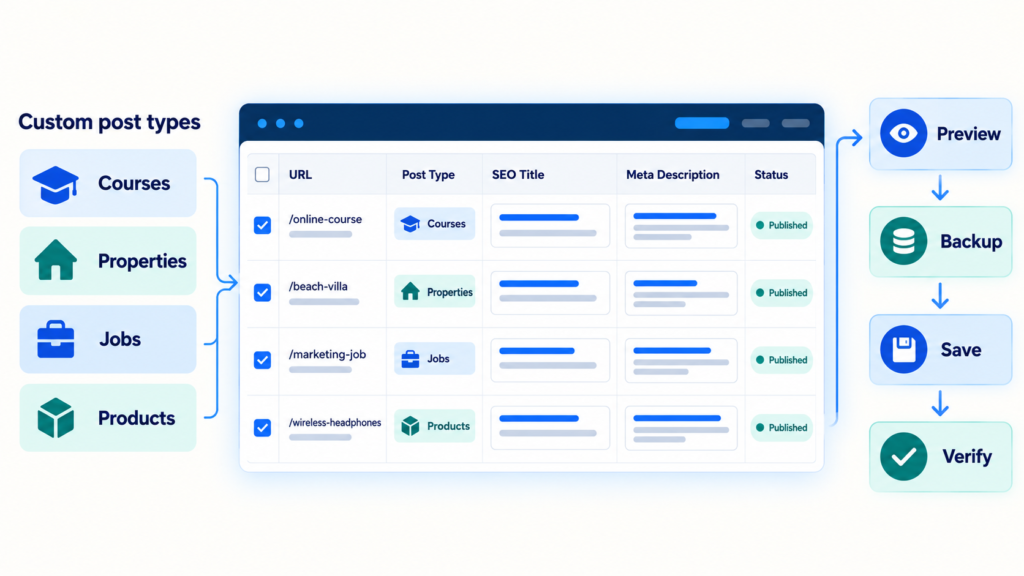
A controlled workflow for editing SEO titles and descriptions across WordPress custom post types without confusing archives, taxonomies, templates, or plugin ownership.
Read guide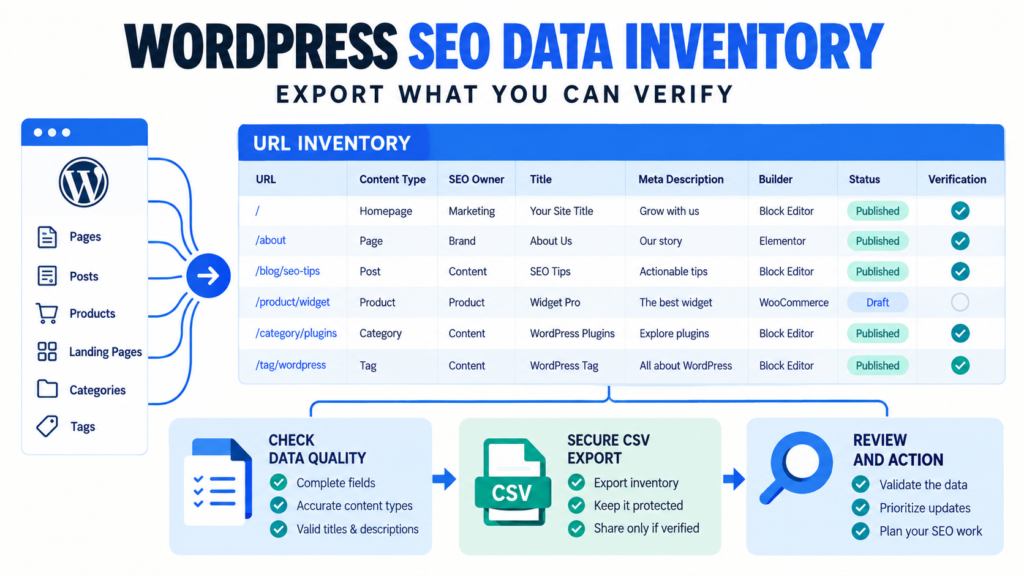
Build a trustworthy WordPress SEO data inventory with stable URLs, ownership, metadata, builder context, review status, and verification fields.
Read guide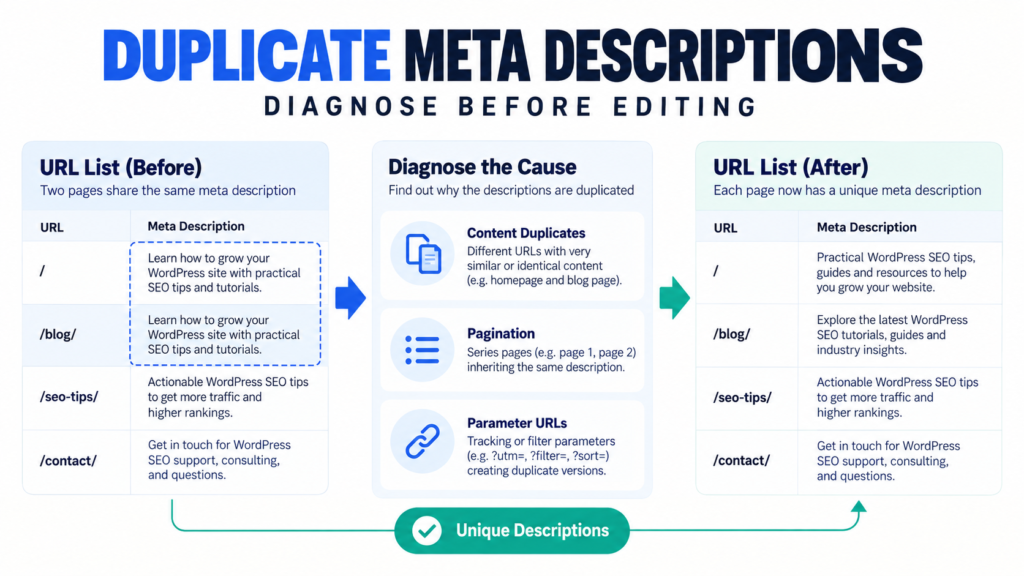
Diagnose duplicate Yoast meta descriptions by URL type, choose the correct fix, implement approved rewrites, and verify public output.
Read guide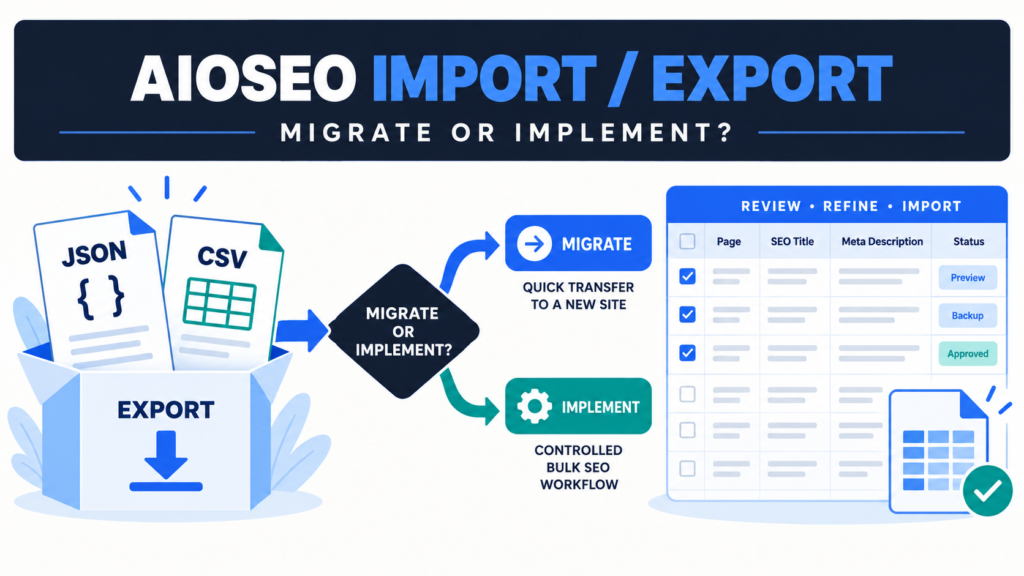
Choose the right AIOSEO data workflow for site migration, spreadsheet editing, controlled implementation, Preview, verification, and recovery.
Read guide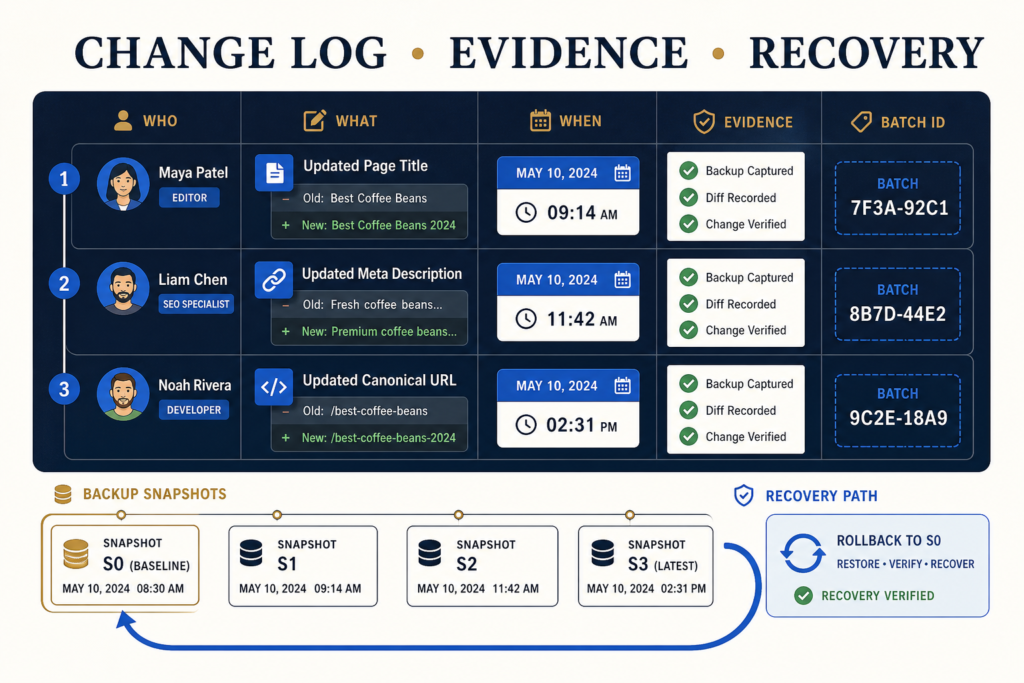
Create a practical WordPress SEO change log that records ownership, approvals, exact field changes, batch evidence, QA results, exceptions, and recovery decisions.
Read guide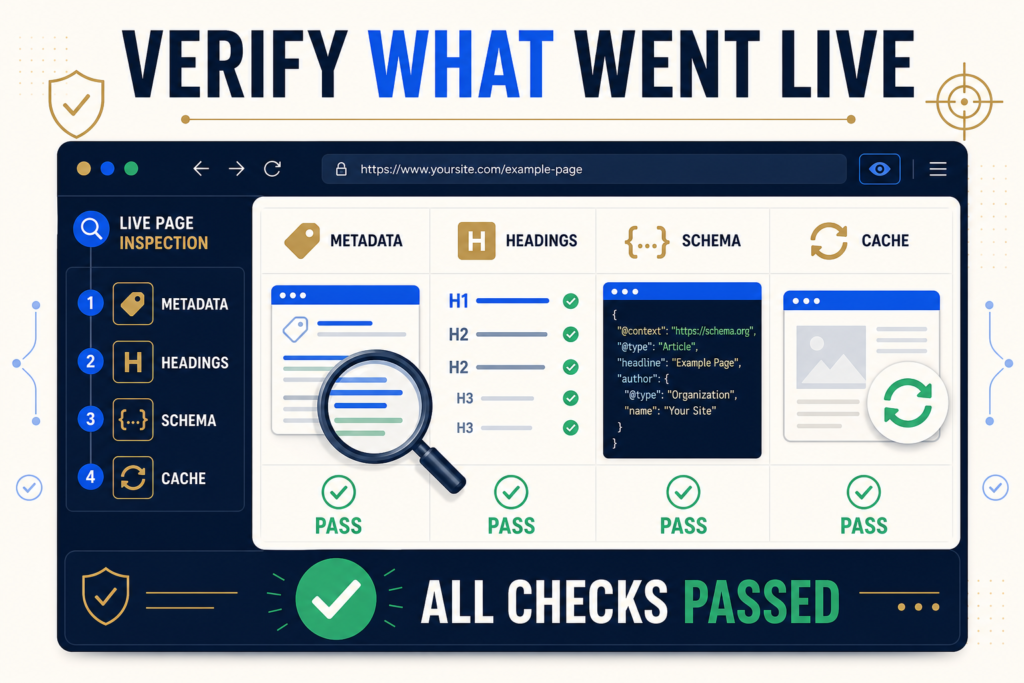
Verify bulk WordPress SEO changes after publishing with a practical QA matrix for metadata, headings, schema, internal links, caches, templates, and recovery.
Read guide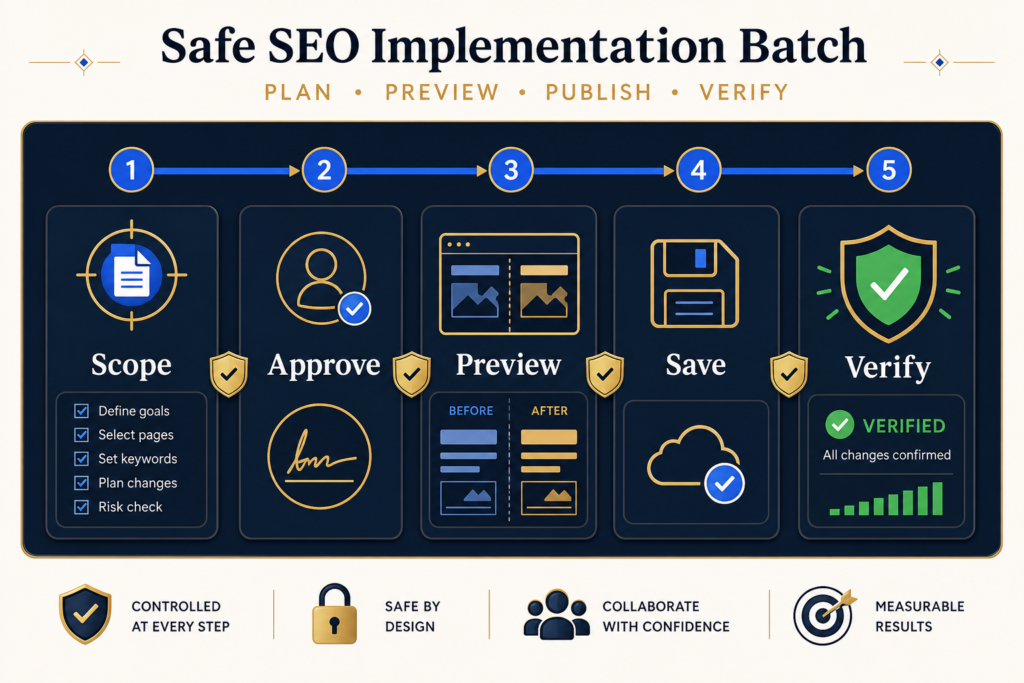
Use this WordPress SEO implementation checklist to scope, approve, preview, publish, verify, document, and recover a controlled batch of on-page changes.
Read guide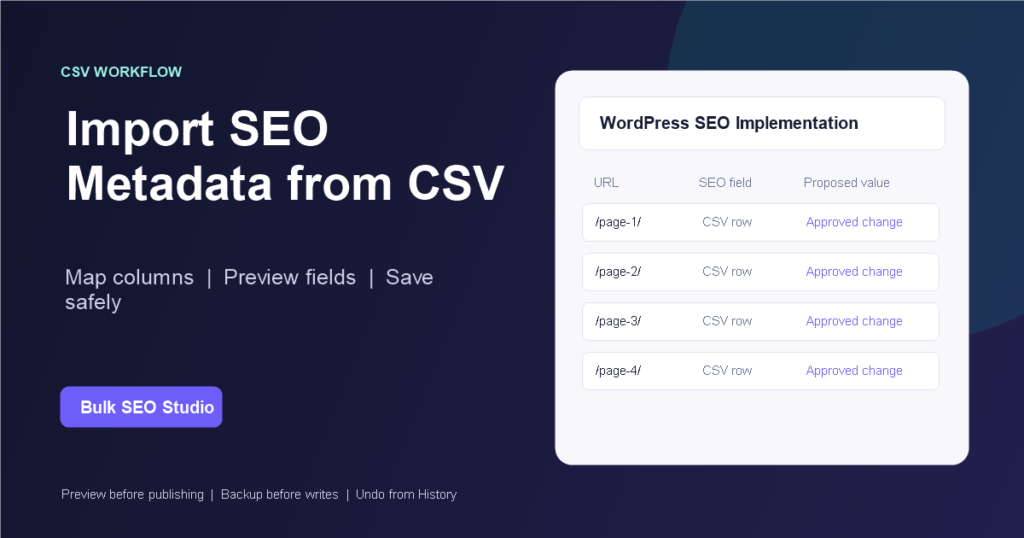
Import approved WordPress SEO titles and meta descriptions from CSV through one plugin-aware Rank Math or Yoast workflow with Preview and Undo.
Read guide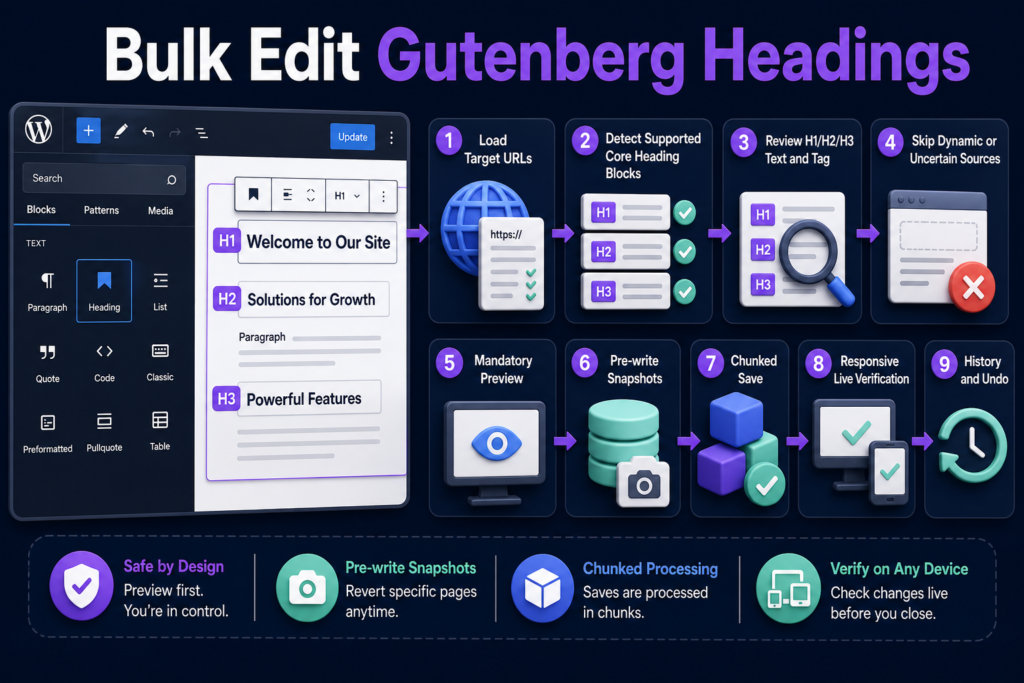
Update supported Gutenberg core Heading blocks through URL scoping, deterministic block detection, mandatory Preview, snapshots, chunked saves, and responsive QA.
Read guide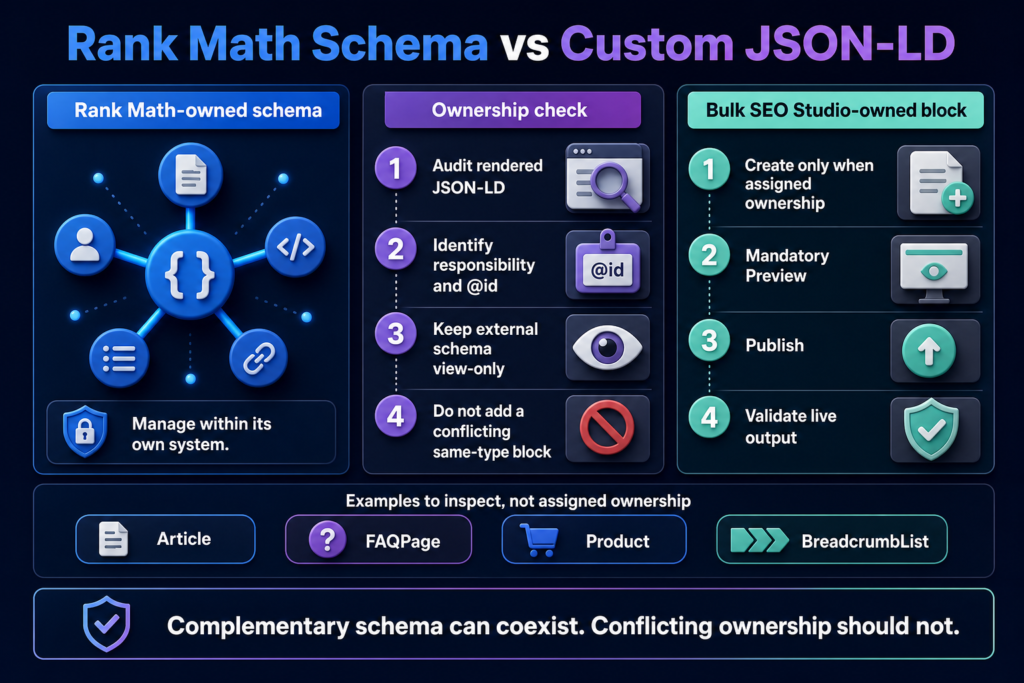
Choose schema ownership between Rank Math and custom JSON-LD without duplicating responsibilities, copying external blocks, or creating conflicting entities.
Read guide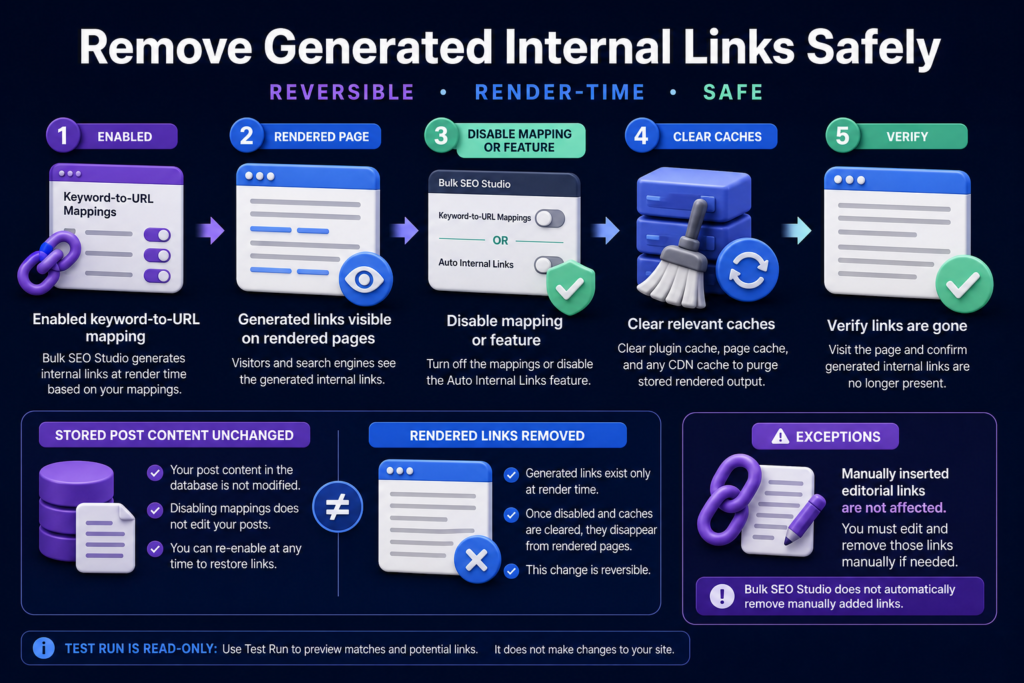
Remove render-time internal links without rewriting stored WordPress content, then clear caches and distinguish generated output from manually inserted links.
Read guide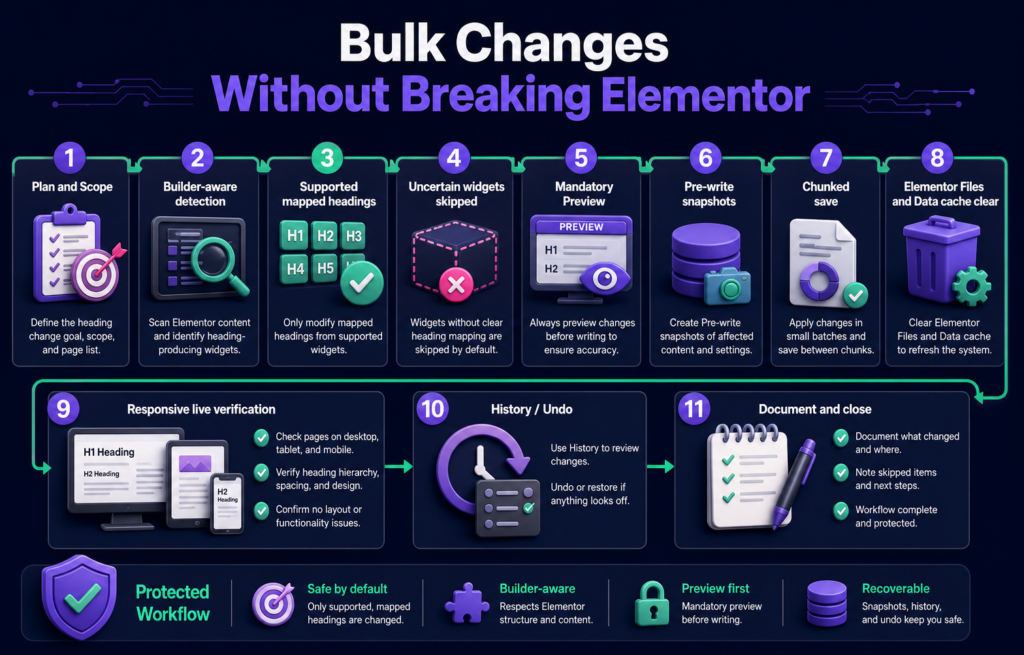
Change supported Elementor heading fields in bulk through builder-aware detection, mandatory Preview, snapshots, chunked saves, cache clearing, and responsive QA.
Read guide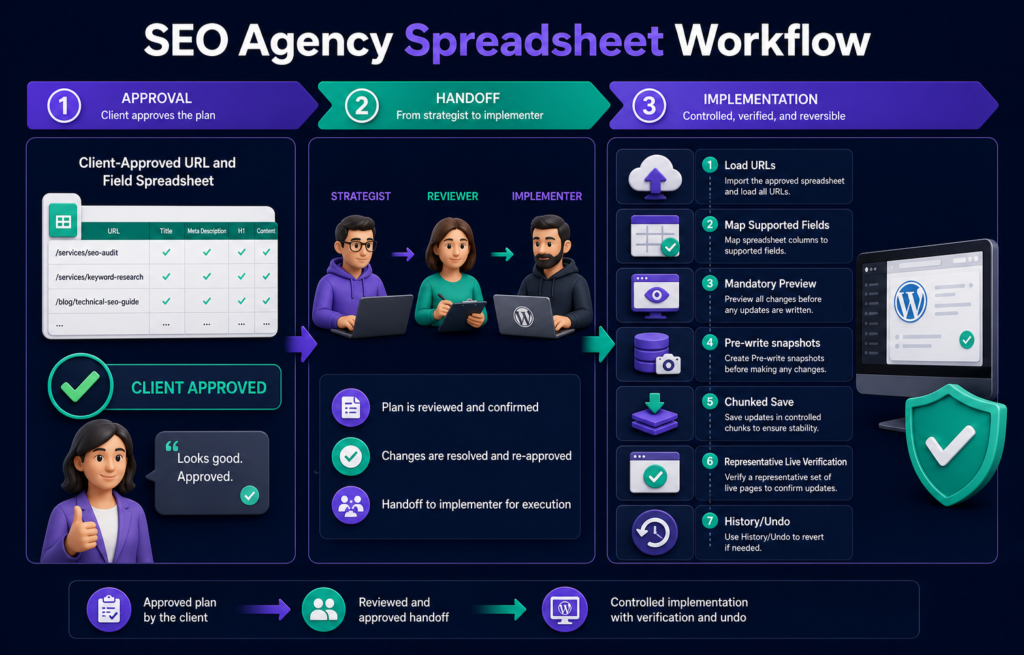
Use a client-approved URL and field spreadsheet to hand off WordPress SEO changes with clear ownership, Preview, snapshots, verification, and Undo.
Read guide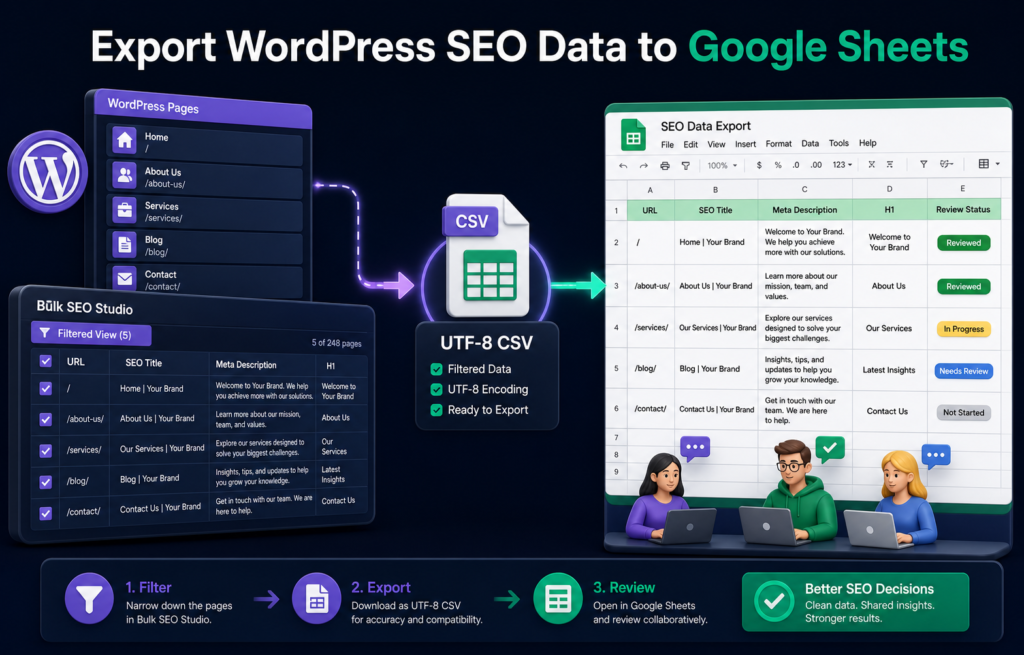
Export current WordPress SEO fields as a protected UTF-8 CSV, open the file in Google Sheets, review it safely, and prepare approved updates for re-import.
Read guide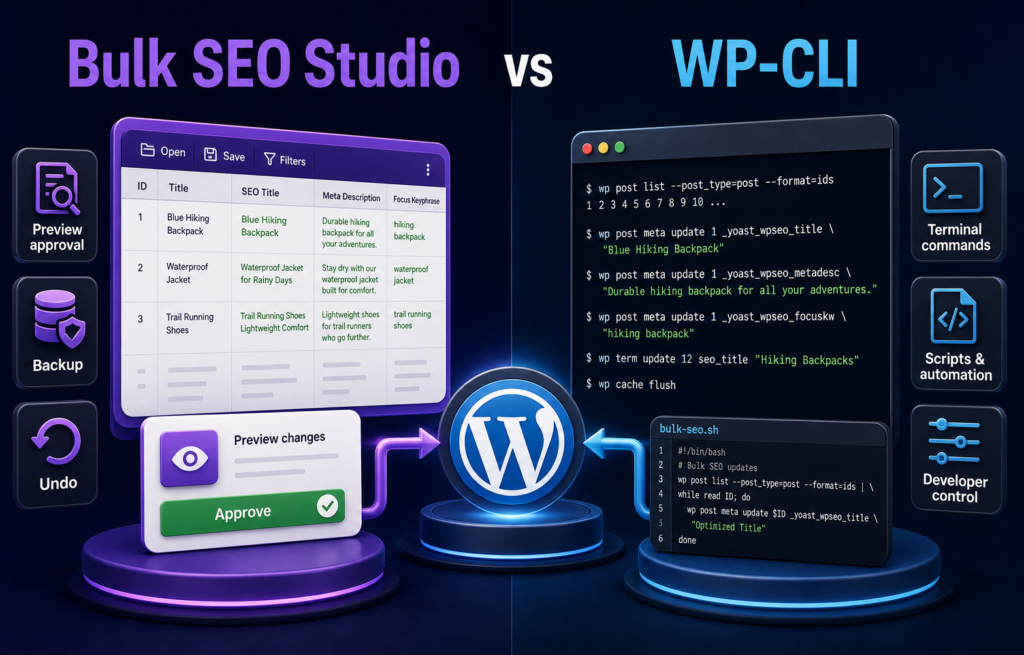
Compare Bulk SEO Studio and WP-CLI for repeated WordPress SEO changes across operator skill, storage handling, Preview, automation, backups, and recovery.
Read guide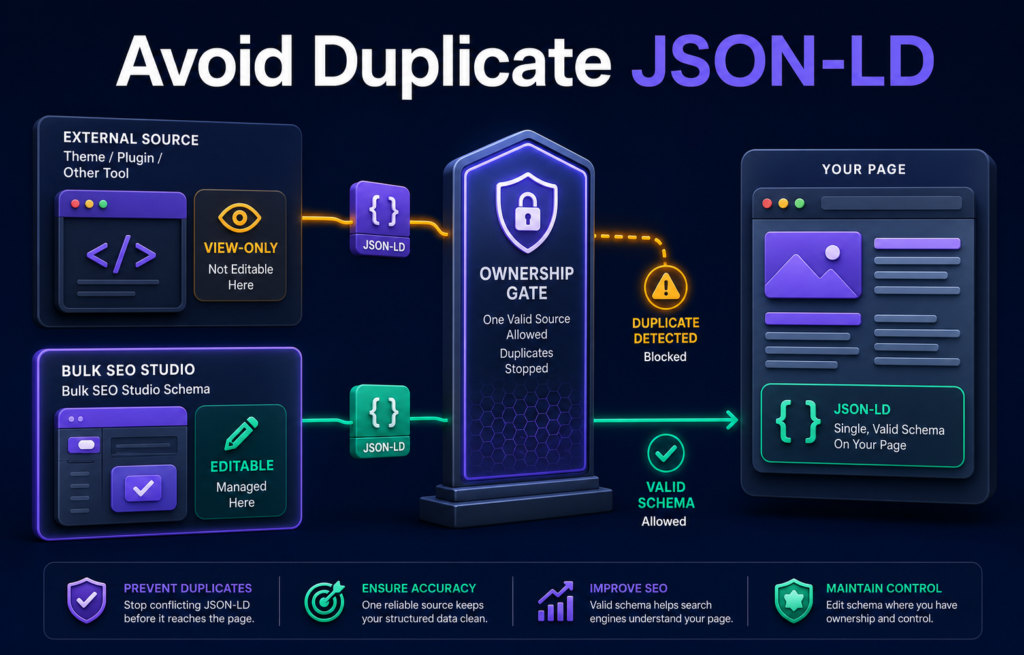
Prevent duplicate JSON-LD by identifying schema ownership, keeping external blocks view-only, and publishing only one approved source for each schema responsibility.
Read guide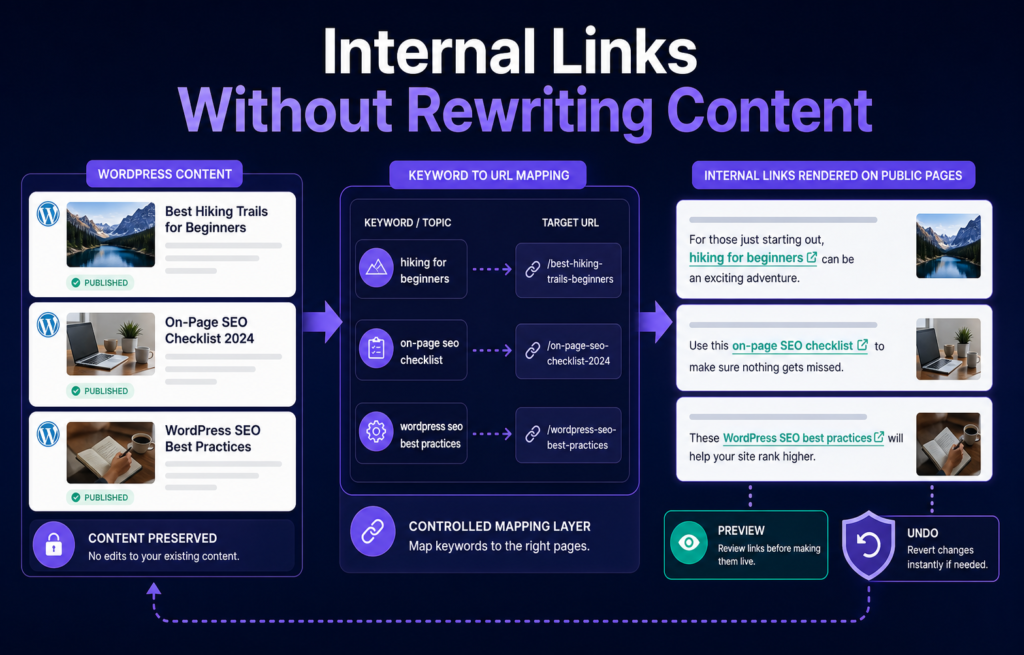
Add controlled internal links at render time without permanently inserting anchor markup into every WordPress post, then test placement before enabling it.
Read guide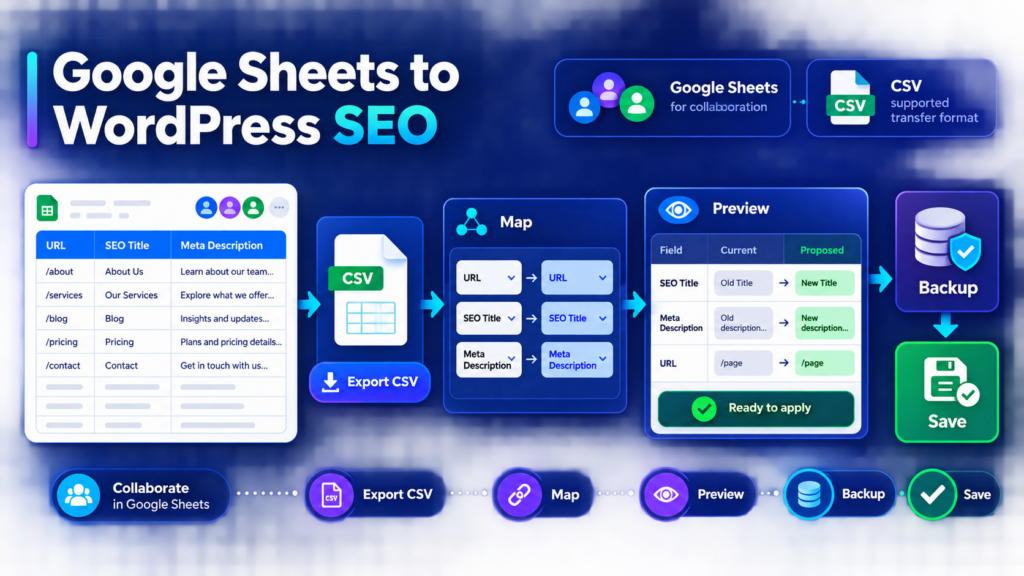
Use Google Sheets for collaboration, export approved WordPress SEO values as CSV, map supported fields, Preview every change and save with backups.
Read guide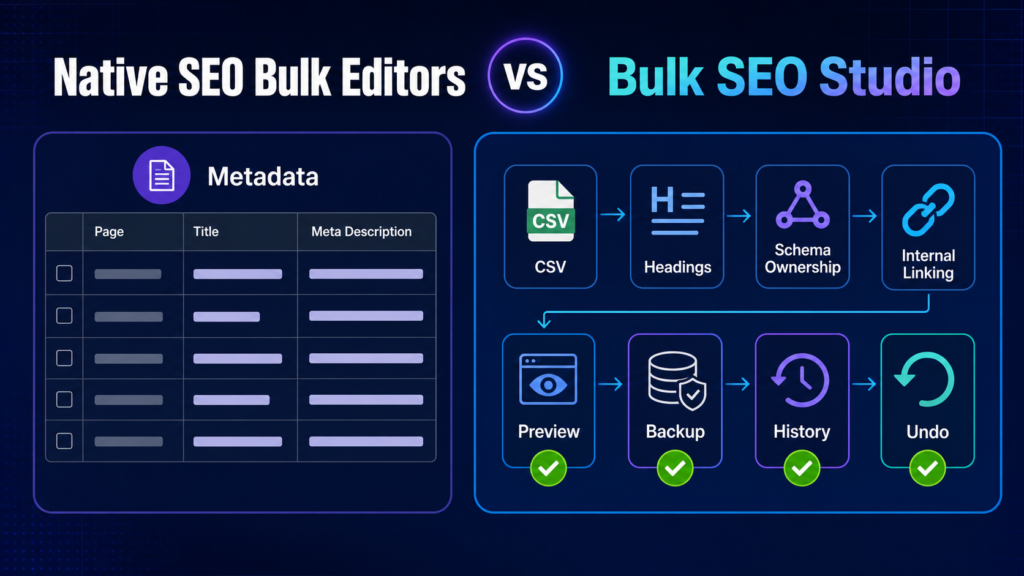
A neutral workflow comparison for choosing a native SEO plugin bulk editor or a broader controlled implementation layer.
Read guide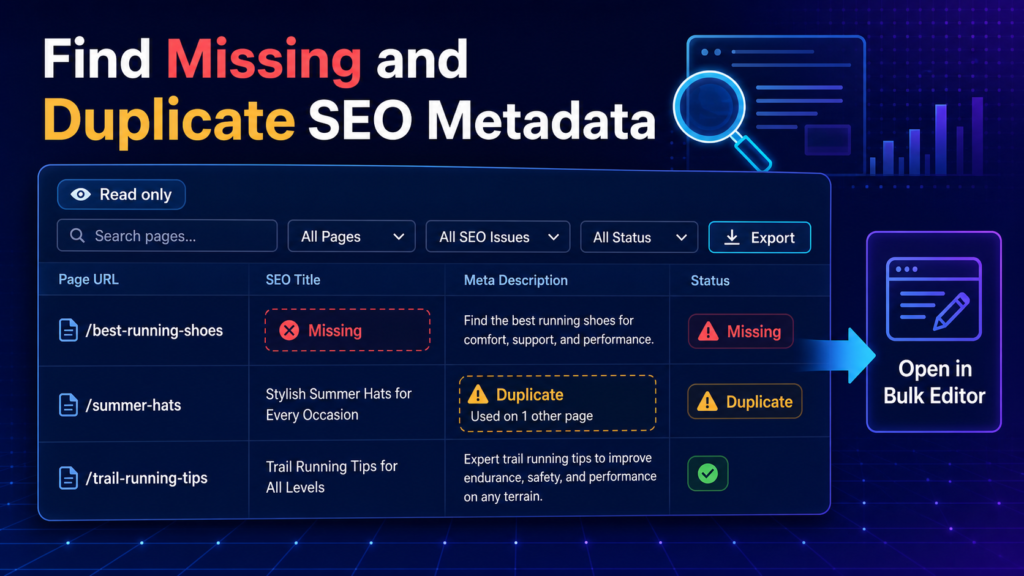
Use deterministic, read-only checks to locate missing and duplicate WordPress SEO metadata before implementing approved fixes.
Read guide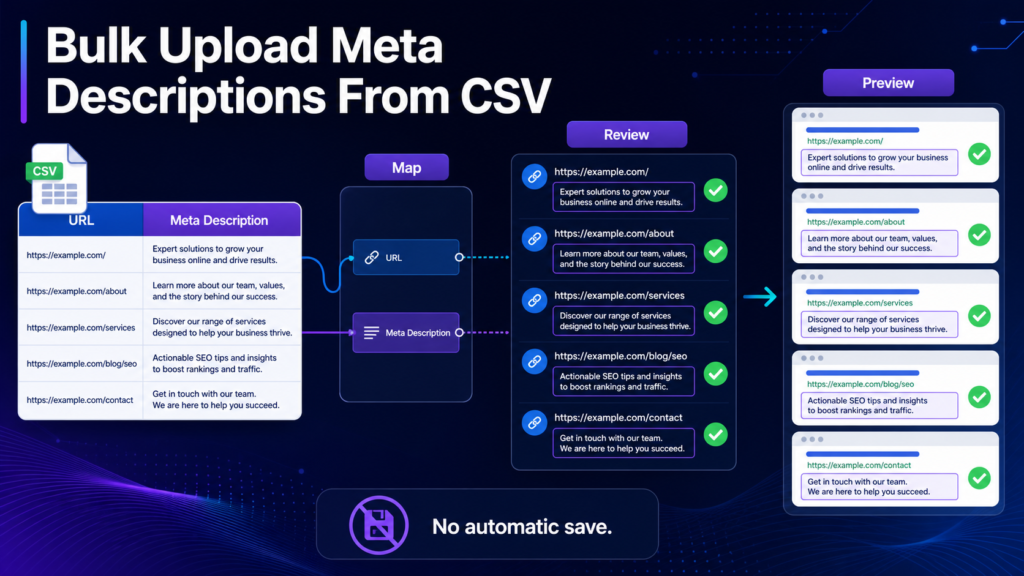
A controlled CSV workflow for matching approved meta descriptions to WordPress URLs and reviewing every proposed value.
Read guide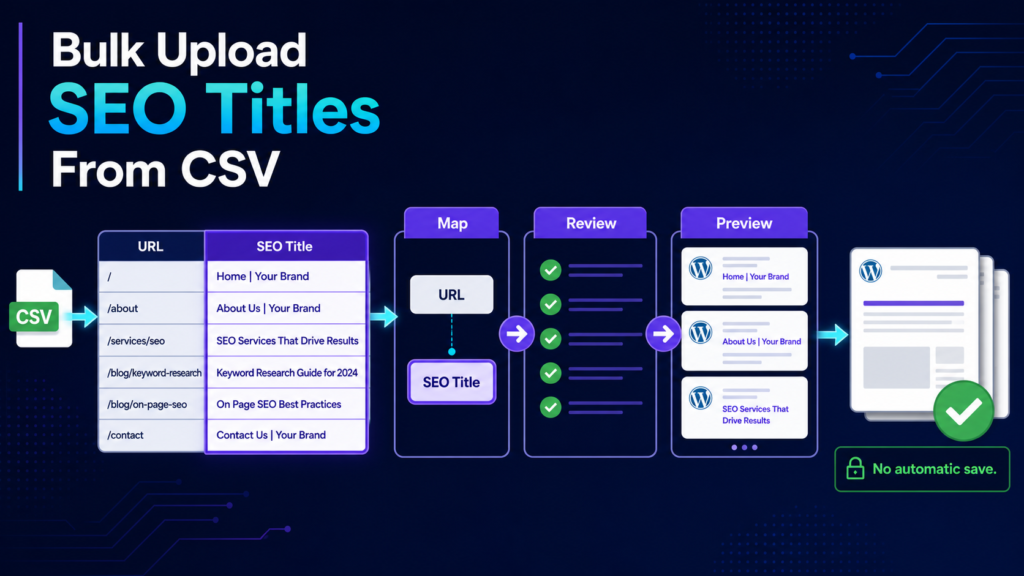
Use URL and SEO Title columns to move approved title tags into WordPress through mapping, Preview, backups and History.
Read guide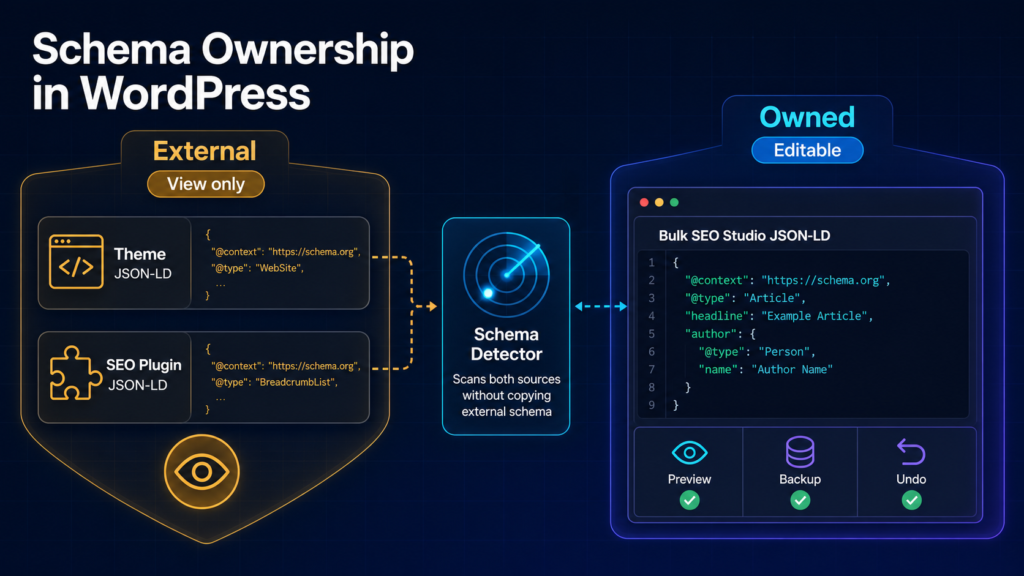
A practical ownership model for detecting WordPress JSON-LD without duplicating or overwriting schema managed elsewhere.
Read guide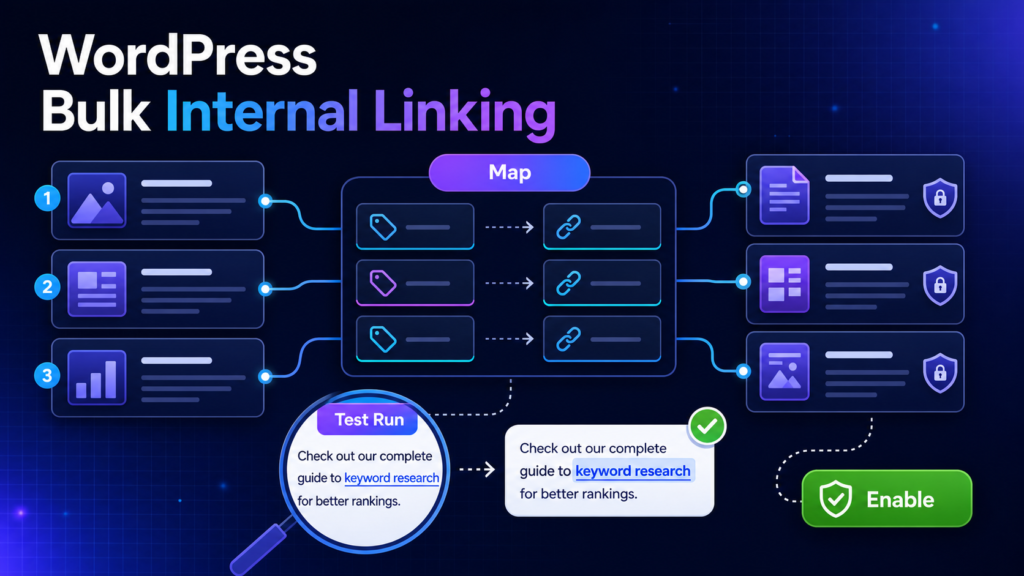
A complete implementation workflow for controlled, testable and reversible internal linking in WordPress.
Read guide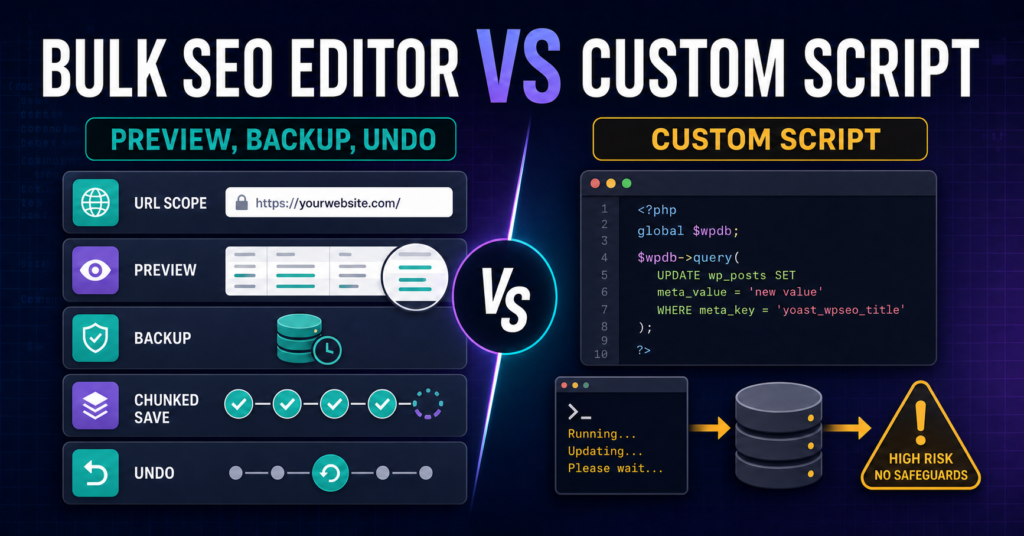
Compare a purpose-built WordPress bulk SEO editor with custom update scripts across storage awareness, Preview, backups, maintenance, and recovery.
Read guide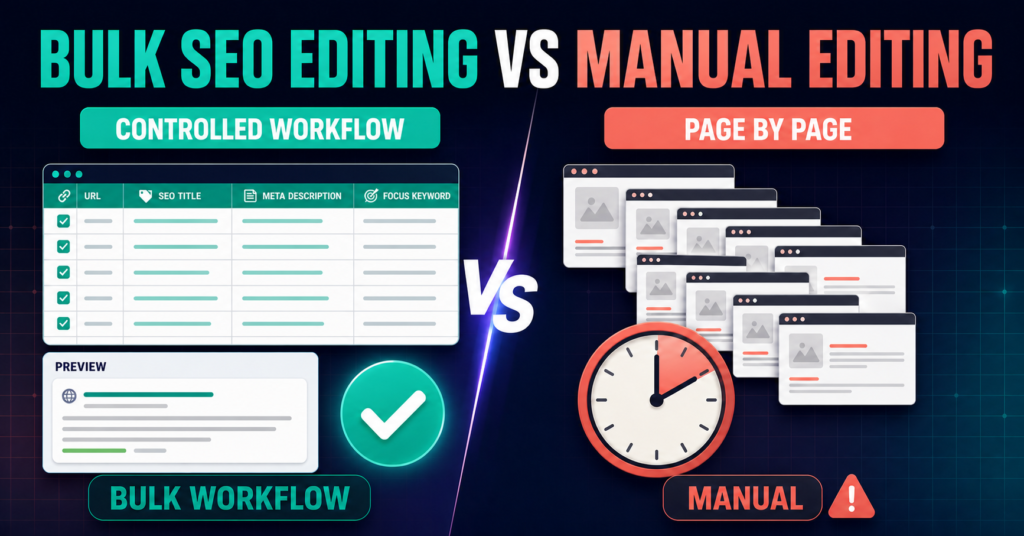
Compare manual WordPress SEO editing with a controlled bulk workflow across speed, review, consistency, risk, verification, and recovery.
Read guide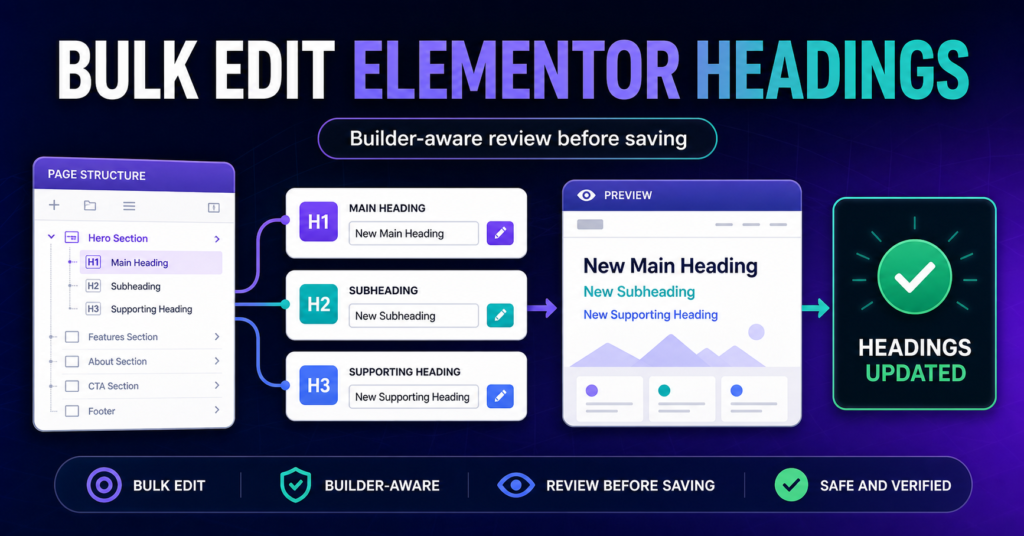
Review and update supported Elementor heading-producing widgets across selected WordPress pages with builder-aware matching, Preview, backups, and verification.
Read guide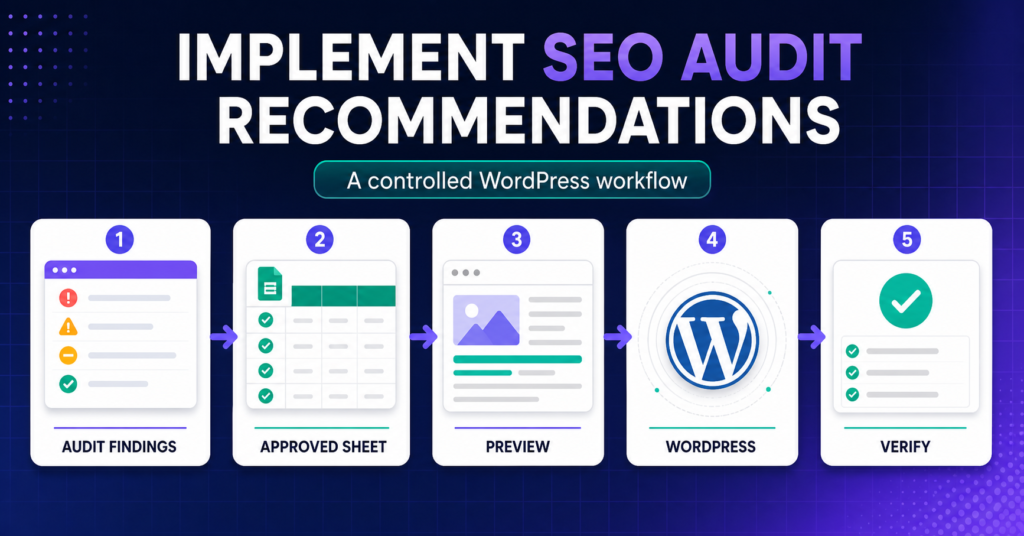
Turn approved SEO audit recommendations into scoped, reviewable WordPress changes without losing the URL-to-field mapping or editing every page manually.
Read guide
Keep The SEO Framework active while implementing supported title and meta-description changes through a controlled WordPress bulk workflow.
Read guide
Use SEOPress with a controlled bulk implementation workflow for approved WordPress SEO titles and meta descriptions.
Read guide
Keep All in One SEO active while implementing approved SEO title and meta-description changes across selected WordPress URLs.
Read guide
Keep Slim SEO active and add a spreadsheet-style implementation workflow for approved titles and meta descriptions across WordPress.
Read guide
Keep Rank Math active while using Bulk SEO Studio to stage, Preview, save, and recover approved SEO title and meta-description changes across WordPress.
Read guide
Keep Yoast SEO active while using Bulk SEO Studio to implement approved titles and meta descriptions across selected WordPress URLs.
Read guide
Use scoped URLs, builder-aware editing, mandatory Preview, backups, chunked saving, History, and Undo to make large WordPress SEO changes safer.
Read guide
Restore one page, selected pages, or a complete supported SEO implementation batch from backups recorded before each WordPress write.
Read guide
Import complete JSON-LD objects from CSV, map them to real WordPress URLs, Preview every schema block, and save only approved plugin-owned data.
Read guide
Add supported JSON-LD across multiple WordPress pages while keeping external schema visible and managing only schema owned by Bulk SEO Studio.
Read guide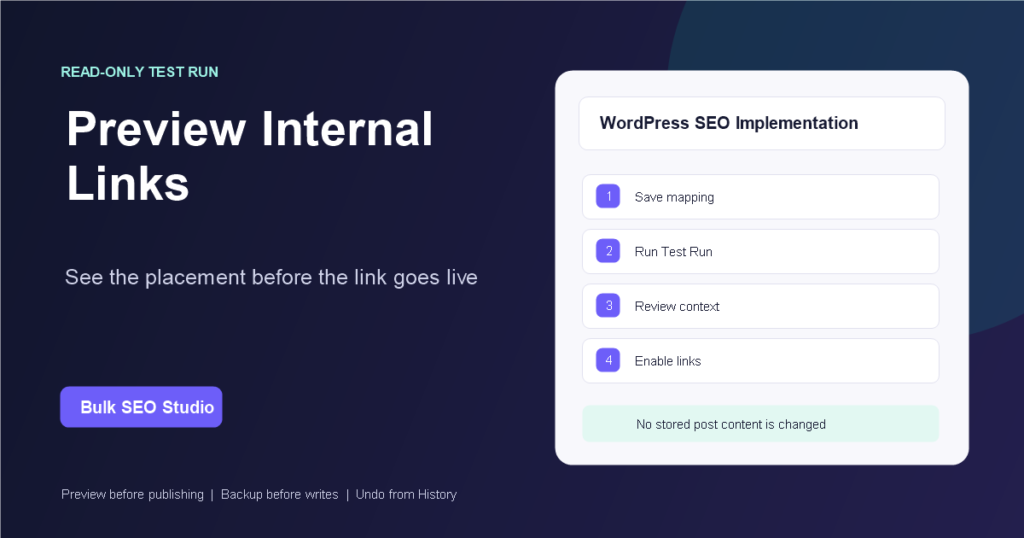
Use Bulk SEO Studio Test Run to inspect proposed internal-link placements, protected contexts, limits, and skips before enabling generated links.
Read guide