
Product behavior and external claims reviewed August 29, 2026. Review methodology.
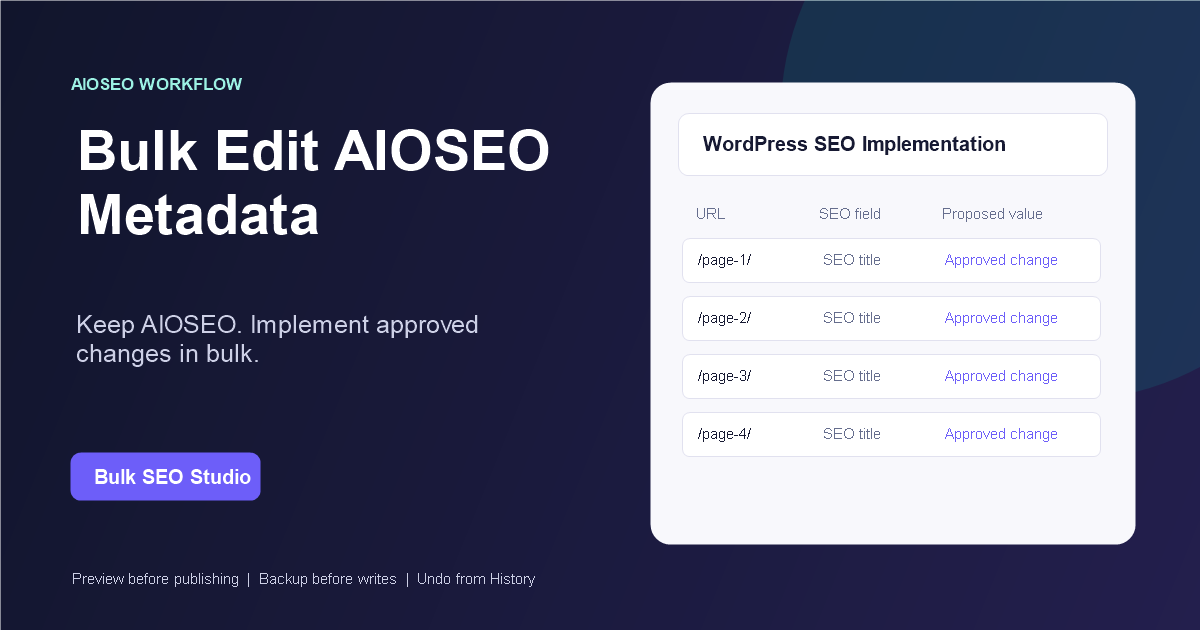
Yes. All in One SEO is a confirmed compatible integration. Keep AIOSEO active for site SEO configuration, then use Bulk SEO Studio to load selected URLs, edit supported titles and descriptions, Preview every proposed field, and save approved changes with backups and History.
Use AIOSEO and Bulk SEO Studio together
All in One SEO continues to control its settings and frontend SEO behavior. Bulk SEO Studio addresses the implementation bottleneck that appears when an approved metadata project covers dozens or hundreds of pages.
A practical agency handoff
An agency can export current values, add approved proposed values in a review sheet, return the supported columns through CSV import, and require field-level Preview before production writes. This preserves the spreadsheet approval process without making the spreadsheet itself write authority.
How to bulk edit All in One SEO metadata
1. Confirm All in One SEO detection
Open Bulk SEO Studio Settings on the WordPress installation and confirm All in One SEO is detected as an available compatible SEO source. Compatibility is a product capability; active status depends on the plugins enabled on that specific site.
2. Define the exact URL scope
Scan the configured post types, apply title, status, URL, slug, and post-type filters, or paste the approved URL list. Limiting the scope keeps unrelated content outside the implementation batch.
3. Review and export current values
Compare page URLs, WordPress titles, current SEO titles, and meta descriptions. Export the filtered scan when the strategist, client, or implementation team needs a current-state reference.
4. Stage the approved metadata
Edit supported titles and descriptions in the grid. Pro users can import a CSV and map its URL and metadata columns. Native XLSX files must be exported as CSV first.
5. Preview every proposed field
Preview shows current and proposed values by page and field. Exclude a single title or description without discarding the rest of the row or batch. Nothing is written merely because it was pasted or imported.
6. Save, verify, and retain the recovery path
Approved fields are written in manageable chunks, with backups recorded before supported changes. Verify representative live pages and metadata output. History keeps the batch available for page-level, selected-page, or complete restoration.
Important limitations
- Bulk SEO Studio does not replace AIOSEO or its site-wide configuration.
- Only supported compatible metadata fields enter the write workflow.
- Google may rewrite titles and snippets independently of stored values.
- Native XLSX files are not parsed. Use CSV.
- Verify frontend output after large batches and cache changes.
Related implementation resources
- Bulk SEO titles and meta descriptions
- CSV import and export
- Preview, backup, History, and Undo
- SEO plugin compatibility
- Safe bulk SEO editing
Frequently asked questions
Does Bulk SEO Studio replace All in One SEO?
No. AIOSEO remains active and responsible for its SEO configuration and output.
Can I import AIOSEO metadata from CSV?
Pro can import supported mapped CSV columns. Values continue through Preview before saving.
Can Free edit AIOSEO metadata?
Free supports one available compatible SEO source with up to 20 pages per batch.
Can I undo the metadata changes?
Supported writes create backups and can be restored from History.
Does the workflow update every page automatically?
No. You choose the URL scope and approve individual fields in Preview.
Keep All in One SEO. Improve the implementation workflow.
Move approved metadata into WordPress through a scoped, reviewable, and recoverable process.
Explore metadata implementationFirst-party product evidence
