
Product behavior and external claims reviewed August 29, 2026. Review methodology.
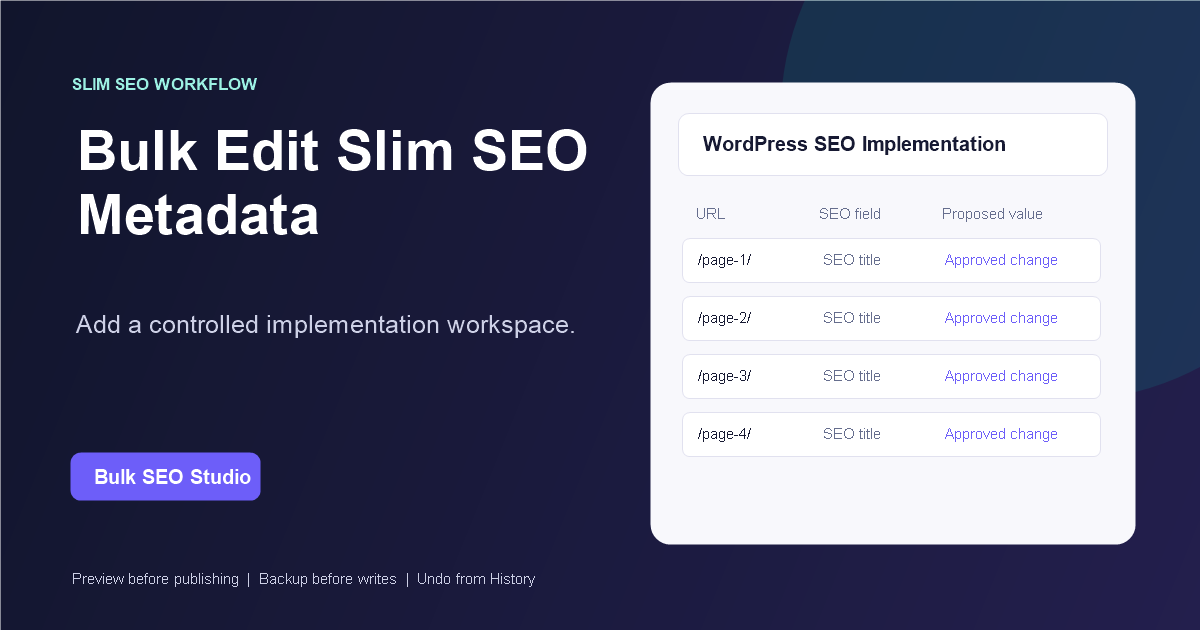
Yes. Slim SEO is a confirmed compatible integration. Bulk SEO Studio adds a controlled workspace for implementing supported titles and meta descriptions across selected WordPress pages while Slim SEO remains active.
A focused SEO plugin can still need a bulk workspace
A streamlined SEO setup does not remove the repetitive work of implementing a large approved metadata sheet. Bulk SEO Studio provides URL scoping, current-value review, spreadsheet interaction, Preview, and recovery controls for that implementation phase.
Use the grid as a staging area
Typing, pasting, fill-down, and CSV import prepare the proposed values but do not save them immediately. This staging boundary makes it possible to review the complete change set before any supported field is written.
How to bulk edit Slim SEO metadata
1. Confirm Slim SEO detection
Open Bulk SEO Studio Settings on the WordPress installation and confirm Slim SEO is detected as an available compatible SEO source. Compatibility is a product capability; active status depends on the plugins enabled on that specific site.
2. Define the exact URL scope
Scan the configured post types, apply title, status, URL, slug, and post-type filters, or paste the approved URL list. Limiting the scope keeps unrelated content outside the implementation batch.
3. Review and export current values
Compare page URLs, WordPress titles, current SEO titles, and meta descriptions. Export the filtered scan when the strategist, client, or implementation team needs a current-state reference.
4. Stage the approved metadata
Edit supported titles and descriptions in the grid. Pro users can import a CSV and map its URL and metadata columns. Native XLSX files must be exported as CSV first.
5. Preview every proposed field
Preview shows current and proposed values by page and field. Exclude a single title or description without discarding the rest of the row or batch. Nothing is written merely because it was pasted or imported.
6. Save, verify, and retain the recovery path
Approved fields are written in manageable chunks, with backups recorded before supported changes. Verify representative live pages and metadata output. History keeps the batch available for page-level, selected-page, or complete restoration.
Important limitations
- Slim SEO remains responsible for its own configuration and output.
- Bulk SEO Studio edits only confirmed supported fields.
- It does not calculate keyword targets or write metadata strategy.
- Native spreadsheet files need CSV export for Pro import.
- Frontend metadata should be verified after saving.
Related implementation resources
- Bulk SEO titles and meta descriptions
- CSV import and export
- Preview, backup, History, and Undo
- SEO plugin compatibility
- Safe bulk SEO editing
Frequently asked questions
Is Slim SEO compatible with Bulk SEO Studio?
Yes. It is a confirmed compatible integration.
Does Bulk SEO Studio make Slim SEO unnecessary?
No. Keep Slim SEO active; Bulk SEO Studio provides the implementation workflow.
Can I paste values directly into the grid?
Yes. Spreadsheet-style copy, paste, and fill-down are supported for visible fields.
Are pasted values saved instantly?
No. They remain staged until Preview and confirmation.
Can I restore one page without undoing everything?
Yes. History supports page-level and selected-page restoration.
Keep Slim SEO. Improve the implementation workflow.
Move approved metadata into WordPress through a scoped, reviewable, and recoverable process.
Explore metadata implementationFirst-party product evidence
