
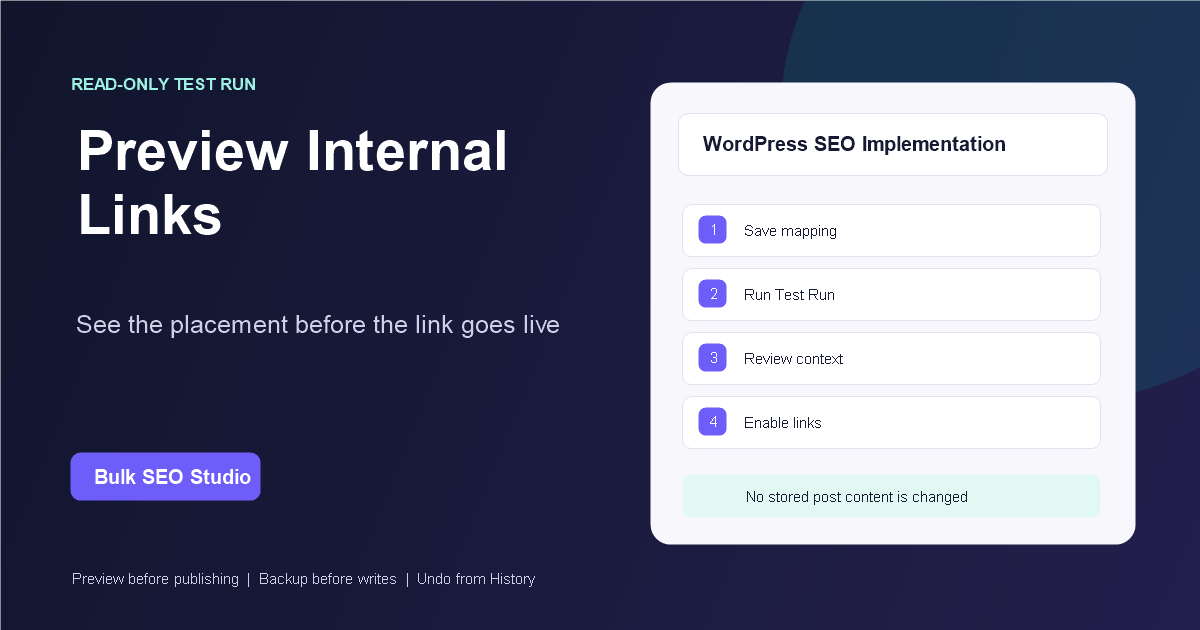
Yes. Bulk SEO Studio includes a read-only Test Run that renders published pages as visitors see them and reports the link that would be added, its destination, surrounding context, passes, skips, and page-level limits. Test Run does not update stored post content.
Why preview internal links first?
A keyword-to-URL map controls the intended destination, but the source-page context still matters. The same phrase can appear in navigation, a heading, an existing link, an FAQ, or a normal body paragraph. Reviewing placement before enablement helps you confirm that a valid mapping also produces a sensible reading experience.
What Bulk SEO Studio Test Run checks
- The published source page and detected builder
- The mapped keyword and target URL
- The surrounding text where the link would appear
- Compact pass-over information and skip reasons
- The shared maximum-links budget for the page
How to preview the proposed links
1. Review the keyword-to-URL mapping
Start with the saved mapping configuration. You can maintain mappings in the manual JSON editor or merge accepted opportunities from Suggest Mappings. Confirm that every keyword points to the intended destination and remove avoidable conflicts.
2. Confirm placement protections
Bulk Internal Linking skips existing links, headings, navigation, tables, buttons, interactive areas, reusable embeds, self-links, and other unsafe contexts. Optional protections can skip lists and the opening content block.
3. Save the configuration
Test Run uses the currently saved configuration. Save mapping, protection, and limit changes before starting the preview.
4. Run Test Run
Review the exact source page, target, and placement context. A successful match means the placement passed the configured rules; it does not replace strategic review of the anchor and destination.
5. Adjust and test again
If the context feels forced, revise the keyword, destination, or protection settings and repeat Test Run. This is safer than enabling a large mapping set and reviewing every page afterward.
What happens after enablement?
Generated links are inserted into rendered output rather than permanently written into post content. Removing a mapping or disabling the feature removes its generated links after caches clear. Saving link settings increments the cache version, and a manual Clear Link Cache action is available.
Important limitations
- Test Run validates implementation behavior, not the strategic quality of a target URL.
- A phrase may be skipped when every occurrence is inside a protected context.
- No more than one link per mapping is added to a page.
- The configured page-level limit is shared across Elementor rendering passes.
- Cached frontend output may need to be refreshed after configuration changes.
Related implementation resources
- Bulk Internal Linking feature overview
- How to add internal links in bulk
- How to create a keyword-to-URL map
- Internal Linking documentation
Preview the placement before enabling the links
Bring the mapping strategy and use Test Run to review the implementation.
Explore Bulk Internal Linking