
Product behavior and external claims reviewed August 29, 2026. Review methodology.
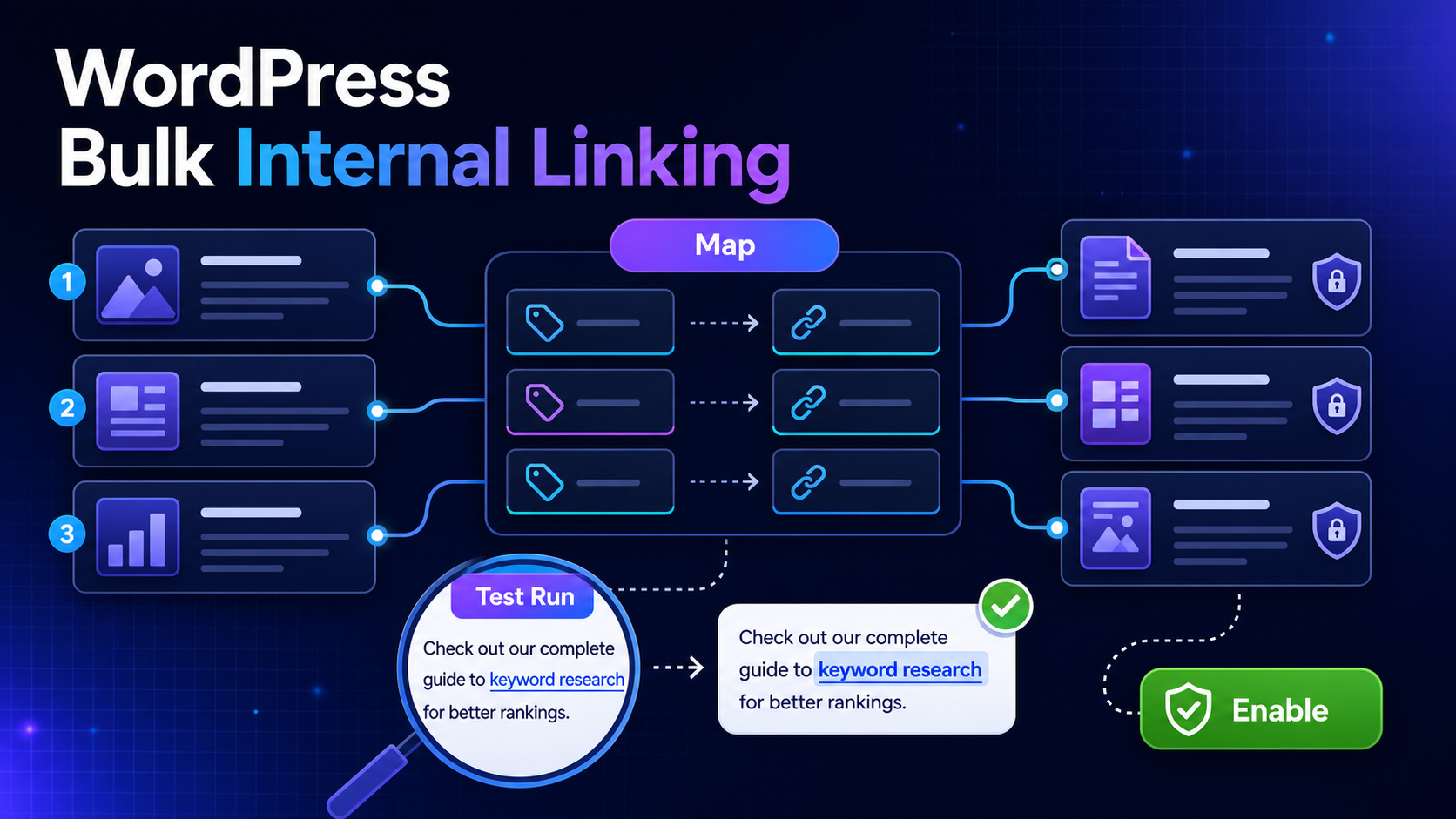
Bulk internal linking is not simply a faster version of search and replace. A reliable workflow must keep destination strategy under human control, avoid unsafe page areas, prevent self-links and let the team inspect exact placements before visitors see them.
Important: Bulk SEO Studio inserts mapped links into rendered output. It does not rewrite stored post content. Removing a mapping or disabling the feature removes generated links after relevant caches clear.
What you need before implementation
- A reviewed list of destination URLs
- Keywords or phrases that accurately describe each destination
- A decision about protected opening content and lists
- A sensible maximum-links budget per page
- Representative pages for live verification
Choose the mapping method
Suggest Mappings lets you select target pages, build the linkable-content index, review keyword opportunities and merge accepted choices into configuration. Manual JSON is appropriate when your team already owns an approved keyword-to-URL map. Both routes end at the same review and Test Run boundary.
Step-by-step workflow
1. Choose destination pages
Prioritize important pages that need stronger internal discovery. The suggestion workflow surfaces pages with fewer inbound links first, but that is a prioritization aid rather than strategic approval.
2. Create unambiguous mappings
Assign each phrase to one intended destination. Avoid competing mappings where the same wording could point to different pages.
3. Configure protection rules
Existing anchors, headings, navigation, tables, buttons, FAQs, accordions, reusable templates and other unsafe contexts are skipped. You can also protect lists and the opening content block.
4. Save the configuration
Test Run uses the currently saved settings, so save the reviewed mappings and limits before testing.
5. Run Test Run
Inspect the source URL, destination URL, proposed anchor, surrounding sentence, builder, pass information and skip reasons. Test Run is read-only.
6. Enable and verify
Enable only after reviewing representative placements. Check uncached public pages and clear external page or CDN caches where necessary.
How placement limits work
The maximum-links setting is one shared page-level budget, including pages where Elementor triggers multiple rendering passes. A value of 0 means there is no configured ceiling. Each mapping can add no more than one link per page, repeated destination links are avoided, and self-links are blocked.
A practical QA checklist
- Anchor text reads naturally in its sentence
- The destination satisfies the phrase’s meaning
- No link appears in a heading, button, table, navigation or interactive component
- The page-level limit is appropriate for the content length
- Cached and uncached output match after enablement
- Removing a test mapping removes its generated link
Related implementation resources
- Bulk Internal Linking documentation
- Create a keyword-to-URL map
- Preview internal links before enabling
- Internal Linking feature
Frequently asked questions
Does bulk internal linking edit the WordPress post content?
No. Bulk SEO Studio inserts generated links into rendered output and leaves stored post content unchanged.
Can I preview the links first?
Yes. Test Run renders published pages as visitors see them and reports proposed placements without changing content.
What happens when a phrase is inside an existing link or heading?
The protected context is skipped. The system follows a skip-rather-than-guess rule.
Can I undo generated links?
Disable the feature or remove the mapping, then clear relevant caches. Because stored content was not rewritten, the generated links disappear from uncached output.