
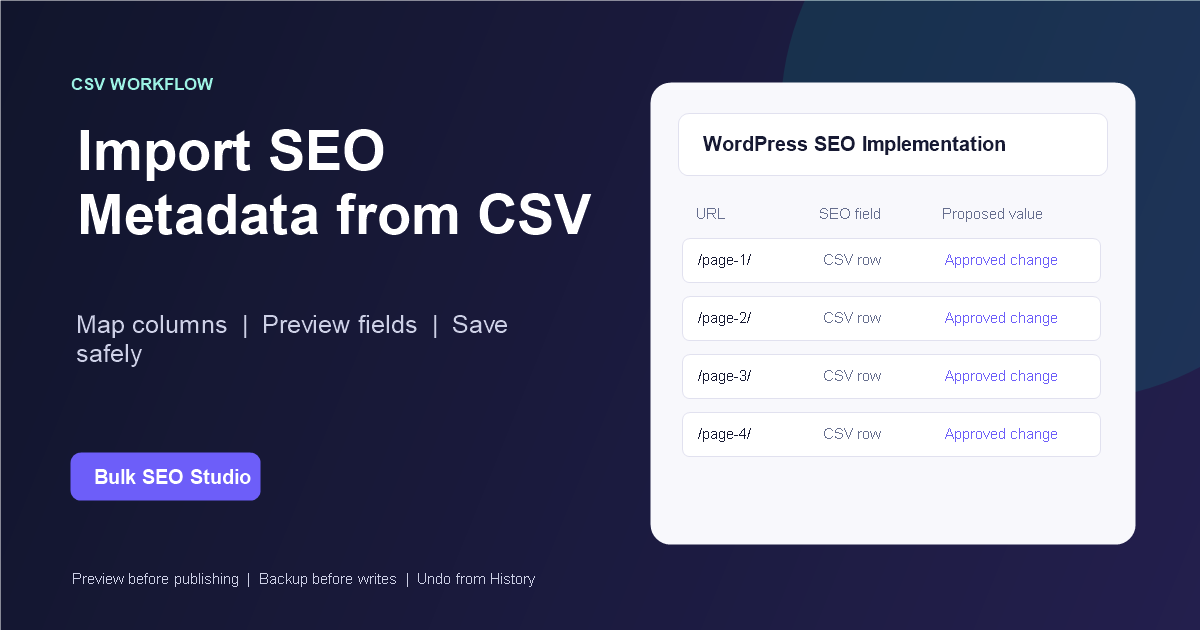
Tested with the supported CSV mapping and Preview workflow. Last reviewed: August 29, 2026.
Yes. Bulk SEO Studio Pro can map approved URL-level SEO titles and meta descriptions to the detected supported Rank Math or Yoast integration. The SEO plugin remains active and owns front-end output. Imported values stay proposed until mandatory Preview and confirmation.
Choose the active SEO data owner first
Rank Math and Yoast are separate SEO systems. Confirm which plugin owns metadata on the target site before importing. Do not write duplicate values to multiple plugins unless a documented migration requires it.
| Responsibility | Rank Math site | Yoast site | Bulk SEO Studio |
|---|---|---|---|
| Site-level SEO configuration | Rank Math | Yoast | Not replaced |
| Supported page SEO title | Rank Math storage and output | Yoast storage and output | Loads, maps, Previews, and writes approved value |
| Supported meta description | Rank Math storage and output | Yoast storage and output | Loads, maps, Previews, and writes approved value |
| Strategy and copy approval | Your team | Your team | Not generated automatically |
| Recovery | Plugin remains configured | Plugin remains configured | Pre-write snapshots, History, and Undo for supported writes |
Tested implementation workflow
1. Export current values
Scan the actual WordPress installation and export current URLs and supported metadata. This creates an implementation sheet based on live pages rather than an old audit inventory.
2. Prepare one approved row per canonical URL
Keep exact final values in dedicated columns such as url, seo_title, and meta_description. Strategy notes, scores, alternatives, and approval comments should remain outside write mapping.
3. Export UTF-8 CSV
Native XLSX files are not parsed. Export the final implementation worksheet as UTF-8 CSV and retain a dated approved copy.
4. Map only supported fields
Map the URL and the exact destination fields required for the batch. Unsupported plugin settings, focus-keyword scores, canonical strategy, redirects, and arbitrary metadata do not become writable merely because they appear in the file.
5. Resolve uncertain rows
Correct redirects, drafts, deleted pages, duplicate URLs, and unmatched targets. Bulk SEO Studio should skip uncertain matches instead of guessing.
6. Inspect mandatory Preview
Compare current and proposed values for every URL. Approve titles and descriptions separately and remove accidental blanks.
7. Save a representative batch
Start with pages covering the main templates and post types. Confirmed writes run in chunks and create pre-write snapshots for supported affected values.
8. Verify plugin output
Inspect representative public pages and source output after saving. Purge LiteSpeed, page, server, optimization, or CDN caches when old metadata remains visible.
Plugin-specific verification
| Check | Rank Math | Yoast |
|---|---|---|
| Integration detected | Rank Math is active and supported fields load | Yoast is active and supported fields load |
| Front-end source | Inspect Rank Math-produced title and description | Inspect Yoast-produced title and description |
| Schema ownership | Manage Rank Math schema in Rank Math unless ownership changes | Manage Yoast schema in Yoast unless ownership changes |
| Official documentation | Rank Math knowledge base | Yoast help center |
First-party product evidence

Sources and verification
- WordPress Block Editor documentation
- Rank Math official knowledge base
- Yoast official help center
- Bulk SEO Studio editorial methodology
Frequently asked questions
Does uploading the CSV immediately change WordPress?
No. Imported values remain proposals until mandatory Preview and confirmation.
Can I upload XLSX?
No. Export the final worksheet as UTF-8 CSV.
Can I import every Rank Math or Yoast setting?
No. Map only documented supported fields. Site-level settings and unsupported plugin data remain with their owner.
Can I undo supported imported changes?
Yes. Supported confirmed writes create pre-write snapshots and can be restored through History.
Implement approved plugin metadata through one controlled workflow
Map exact fields, compare current and proposed values, verify the active SEO owner, and retain a recovery path.
Explore spreadsheet import